
Save the image, then add your Prompt and SREF
Start with an image you like. Keep its source, Prompt and style reference together so you can find them again when you create.
Read article
SREFLY JOURNAL / STORIES & GUIDES
Start with an image you like. Keep its source, Prompt and style reference together so you can find them again when you create.

Collections describe where an image will be used. Tags describe its qualities. Keep your inspiration library easy to find and organize with simple categories.

Understand Chrome storage, folder libraries and manual .library backups. Keep a complete copy before changing computers or removing the extension.
Painter 12.1 and digital-twin workflows strengthen product visualization.
An event recap examines brand consistency, working systems and human choice.
Intent, context and distinction provide a way to review generated products.
A vendor evaluation compares task time, tokens and code quality.
Shared components and explicit states support consistency at speed.
An accessibility scenario links canvas feedback to code and team review.
Flows, variables and production components add context beyond screenshots.
Brainstorming, batch edits and bespoke effects share a creative workspace.
Farm, ferry and caregiver stories put different creative ideas through one tool.
Custom brand models and material swaps support concept comparison.
Separate style, background, objects and text into explicit descriptions.
Multilingual text, bounding boxes and 2K output target structured design work.
A September call for ideas asks users what should come next.
The June transition highlighted resolution and reference continuity.
A follow-up update targets the quality of edited images.
The January update focuses on object compositing, fill and expansion.
Vendor-reported customer experiences describe changes in production cost and time.
Reusable preferences guide model selection for different creative tasks.
External footage can enter a dedicated grading workflow.
Shared projects and agent skills support small creative teams.
Visual production extends into sound in the same creative studio.
More than 70 tools connect conversational work with Adobe apps.
Start from a prompt, template or HTML, then refine the result visually.
The integration connects conversations, templates and editable design workflows.
Updates across documents, presentations and whiteboards connect more of a project in one place.
Reusable instructions capture a designer’s judgment and working habits.
The case study examines what changes when agents receive production-component context.
New sharing and code-access options extend tools created with the design agent.
Adjust spacing and typography visually, or annotate changes for the agent.
A longitudinal study examines collaboration and expectations alongside individual workflows.
Video upscaling reaches 4K with different levels of reconstruction.
The July announcement sets out a multimodal direction beyond individual launches.
Clips reach 20 seconds with text, image and audio-aware generation.
Storyboards and horizontal or vertical assets share one workflow.
The alpha lightbox combines V8.2 editing with an experimental route into style exploration.
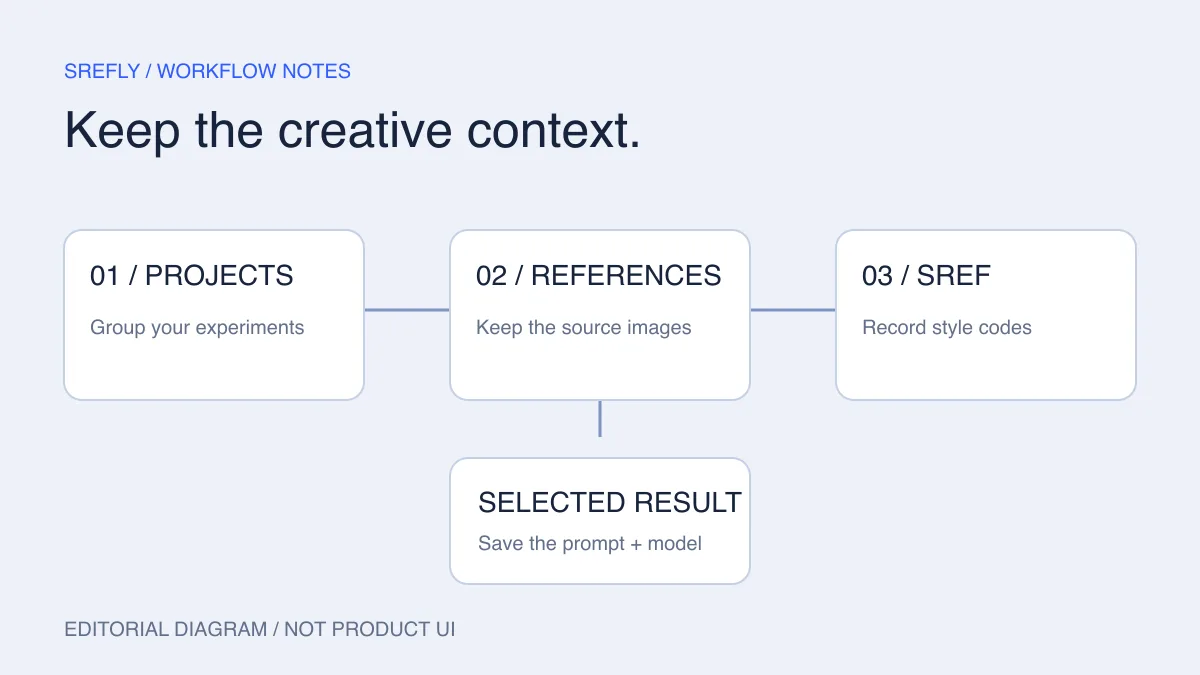
The August changelog addresses project folders, saved searches and reference controls.
Text, voice and references share a revision workflow.
The first acquisition brings product talent into the lab.
The V8.1 update turns random-style exploration into a set of candidates.
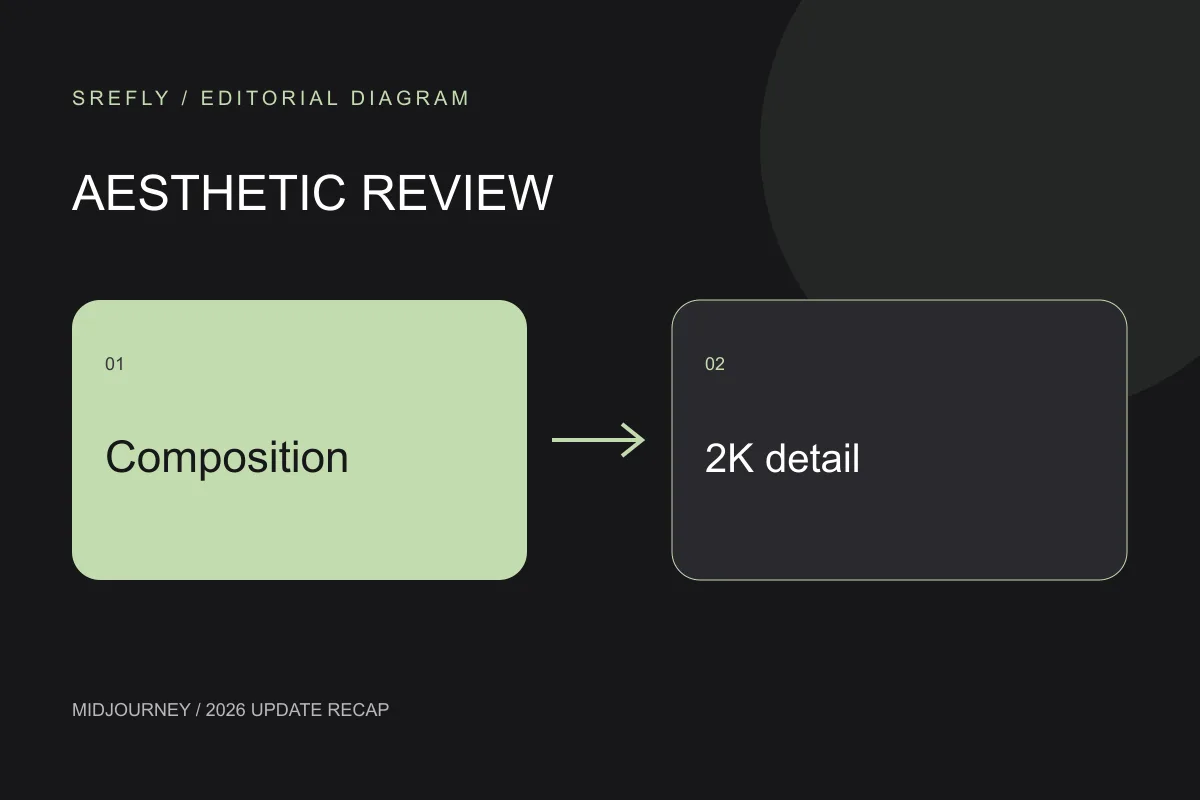
Higher-resolution rating brings finer detail into preference judgments.
More literal prompts meet flatter rendering and revised linework.
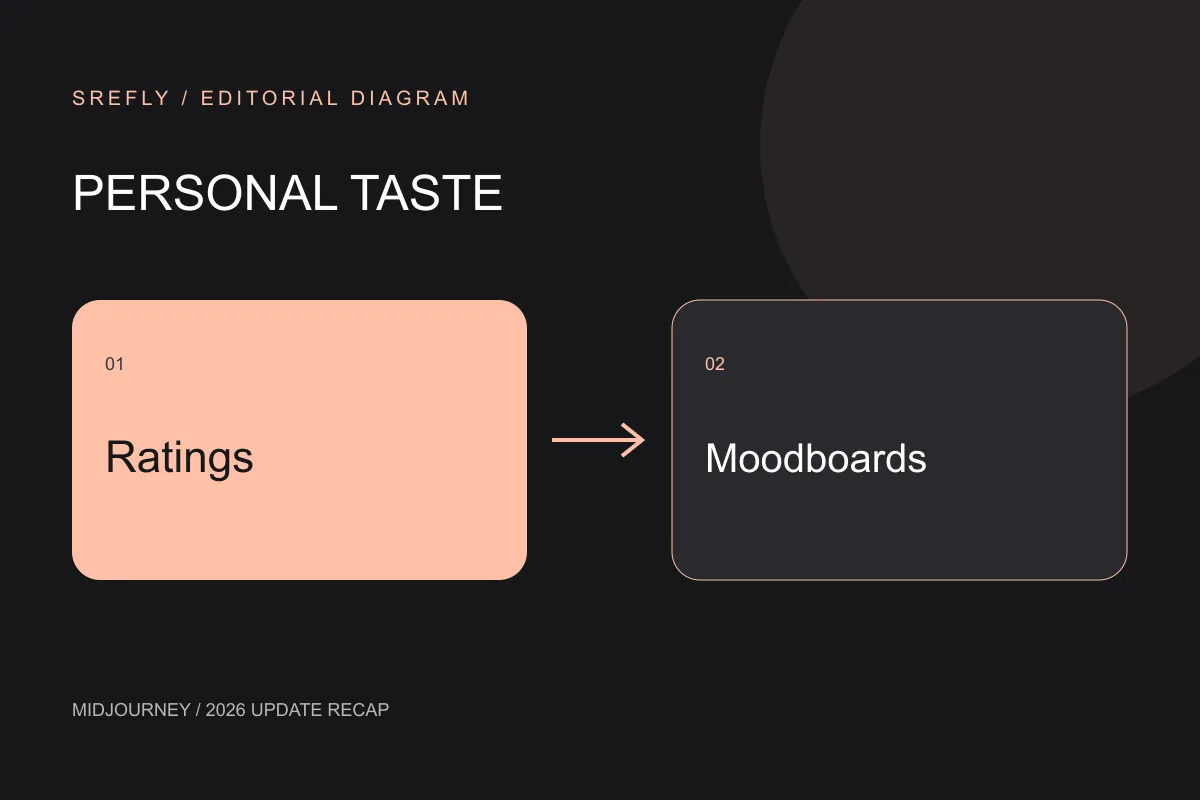
The February update brings preference learning to anime workflows.
A batch of 24 low-resolution drafts broadens early exploration.
The July release revisits image quality, visual character and learned preferences.
Instruction editing, inpainting and outpainting meet style references and moodboards.
A beta prompt-based workspace arrives alongside more precise mask and layer workflows.
A workflow brings varied real-member photos into a consistent animated grid.
AI previsualization helps a brand team communicate live-action requirements.
A quieter search entry and clearer context for each style. How we shape the rhythm of discovery and reading.
Meet srefly: a place to collect images, palettes and visual clues, and return to the ideas that catch your eye.