Canva Code 2.0 pairs prompted creation with visual editing
Start from a prompt, template or HTML, then refine the result visually.
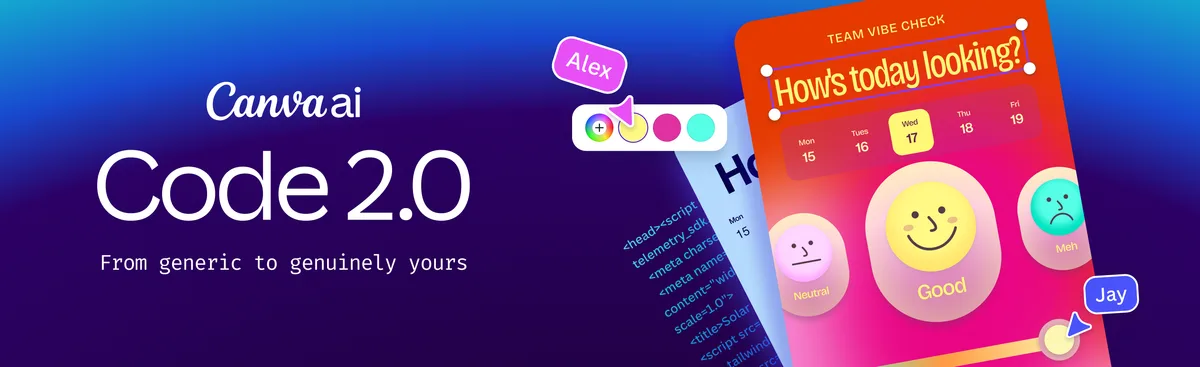
Interactive work remains editable
Canva announced community-wide availability of Code 2.0, including HTML import, direct visual editing and prompted revisions.
When this was checked
Verified September 8; no publication date is visible in the retrieved announcement. The described outputs include websites, apps and interactive experiences.
srefly perspective
Try a small event page, calculator or portfolio interaction. Check mobile behavior and content accuracy before adopting it in a live service.
Need help installing or using SREFLY?Visit the support center →
Original sources
Sources verified: 2026-09-08 · Article date reflects SREFLY’s editorial publication.
Keep reading

Save the image, then add your Prompt and SREF
Start with an image you like. Keep its source, Prompt and style reference together so you can find them again when you create.

Organize your next project with collections and tags
Collections describe where an image will be used. Tags describe its qualities. Keep your inspiration library easy to find and organize with simple categories.