Save the image, then add your Prompt and SREF
Start with an image you like. Keep its source, Prompt and style reference together so you can find them again when you create.
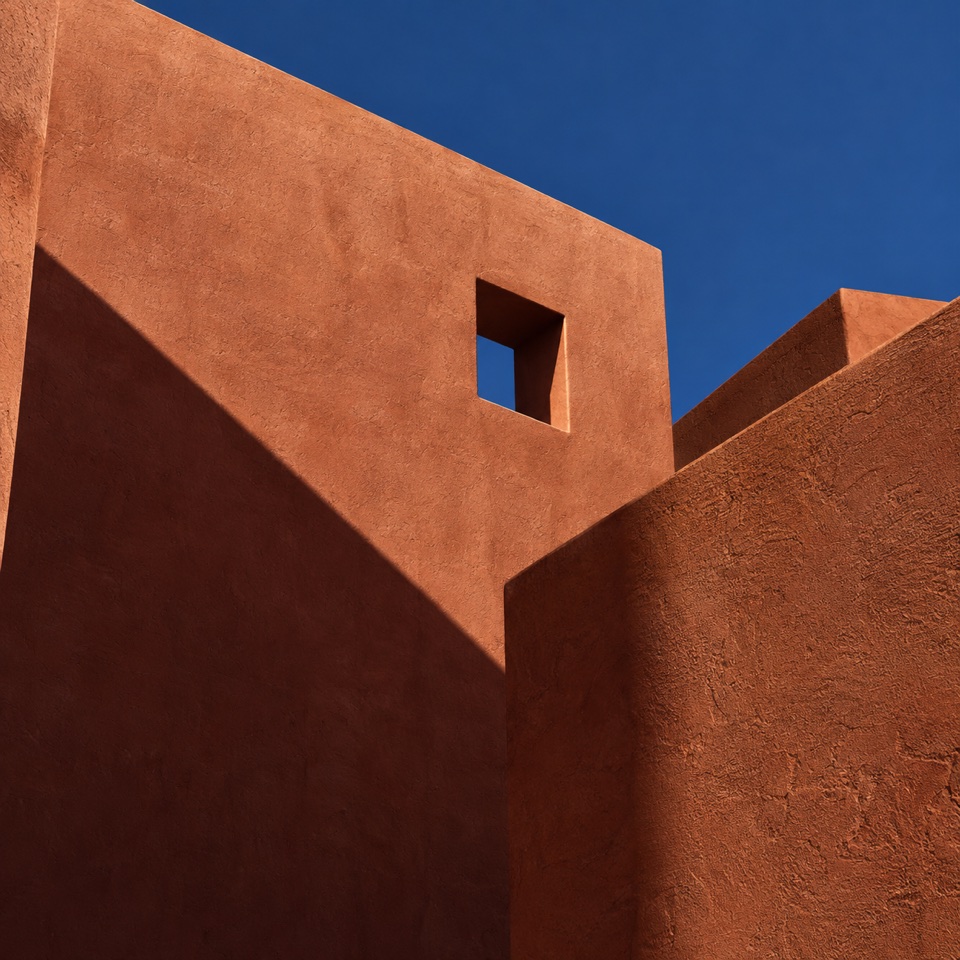
Save the inspiration first
When a composition, color or material catches your eye, save the image first. SREFLY for Chrome helps you collect while browsing, without switching between webpages, downloads and notes.
The extension provides a right-click action for webpage images and an Add action in the sidebar. The draggable interface on this website uses sample images. It does not read your Chrome collection or write sample images into the extension.
Open srefly from the Chrome toolbar. Right-click a webpage image to save it, or choose Add in the sidebar. Check whether a media copy was saved. A link-only item still needs a working source and an internet connection.
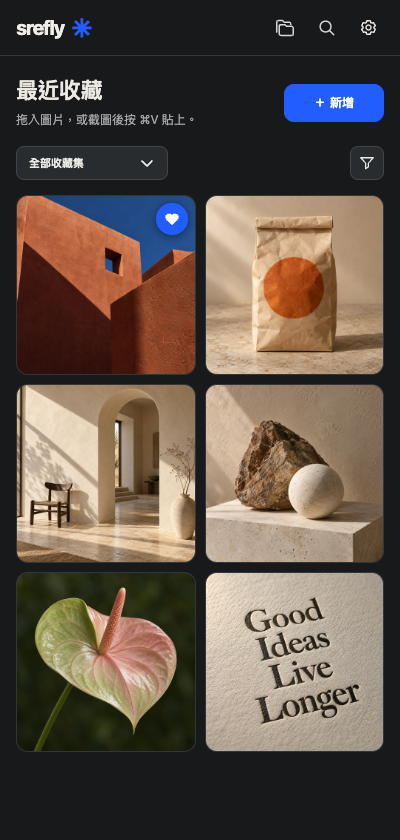
Keep images, text and style references together
An image preserves visual clues, a Prompt records how you describe them, and SREF keeps a style reference. They can share one saved item, without every field being complete. You can also start with a text-only save.
If you do not have a Prompt yet, record an observation such as afternoon light, terracotta colors and geometric forms. Add a generation prompt later. SREF stores an existing reference; the tool does not analyze an image or generate a style code.
Open the item, add the original Prompt, your existing SREF value and the source, then note what you want to reuse. Review the complete text, model version and parameters before copying. A formatting example is not a verified style.
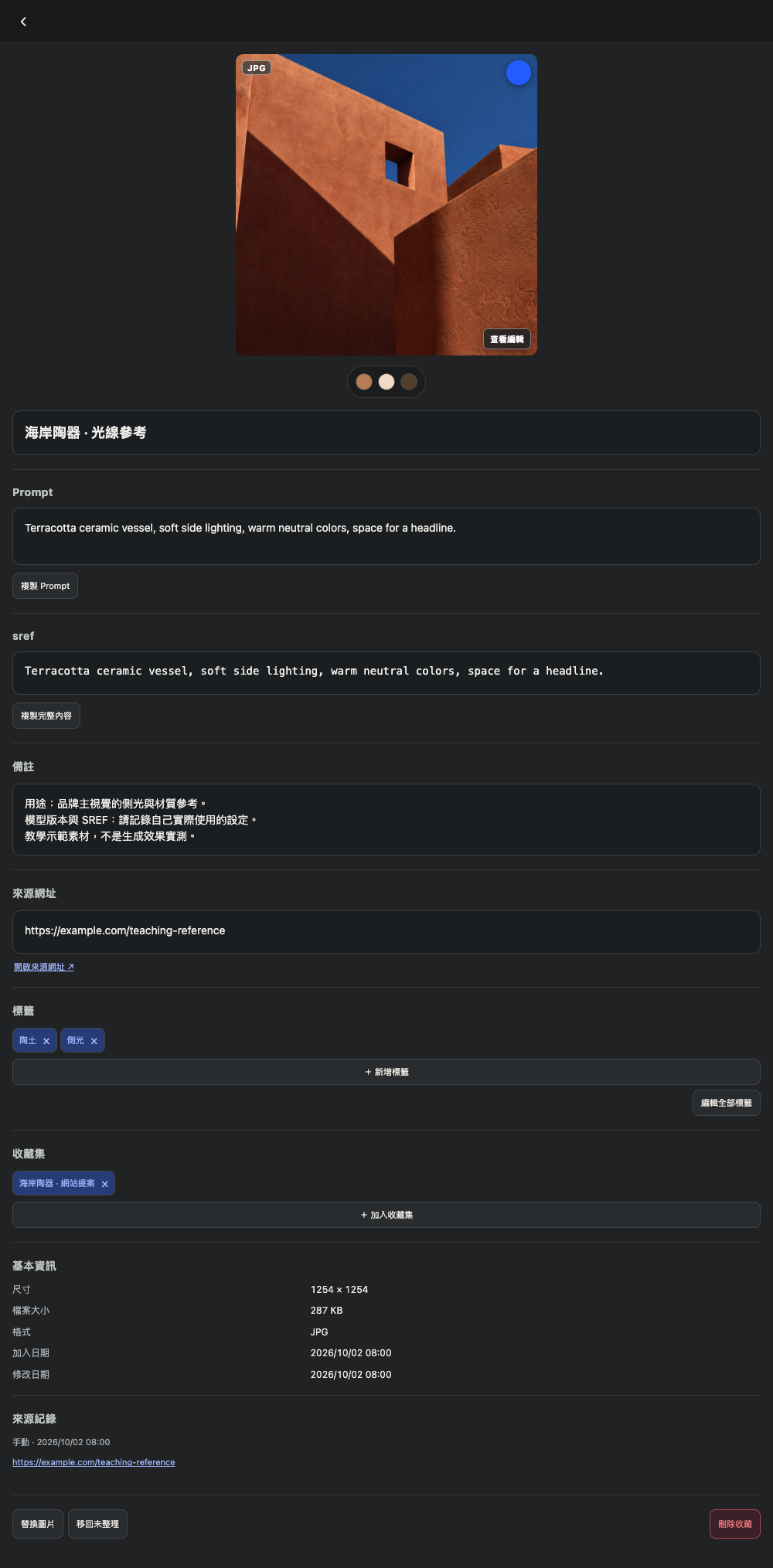
Keep a source you can trace
Record the source URL and your own notes as you organize. The source helps you recover the context later, while your notes remind you which detail mattered.
Saving third-party images or text does not grant publication, resale or commercial rights. Check the creator’s permission before using them in public work. A Prompt or SREF does not guarantee a result identical to the reference.
Start with a small collection
Choose a current project, save a few useful images and add short tags. A collection is valuable when you can find what you need again.
SREFLY for Chrome offers an email-verified 30-day trial. Follow the installation instructions, then create your first saved item with the guide.
Need help installing or using SREFLY?Visit the support center →
Keep reading

Organize your next project with collections and tags
Collections describe where an image will be used. Tags describe its qualities. Keep your inspiration library easy to find and organize with simple categories.
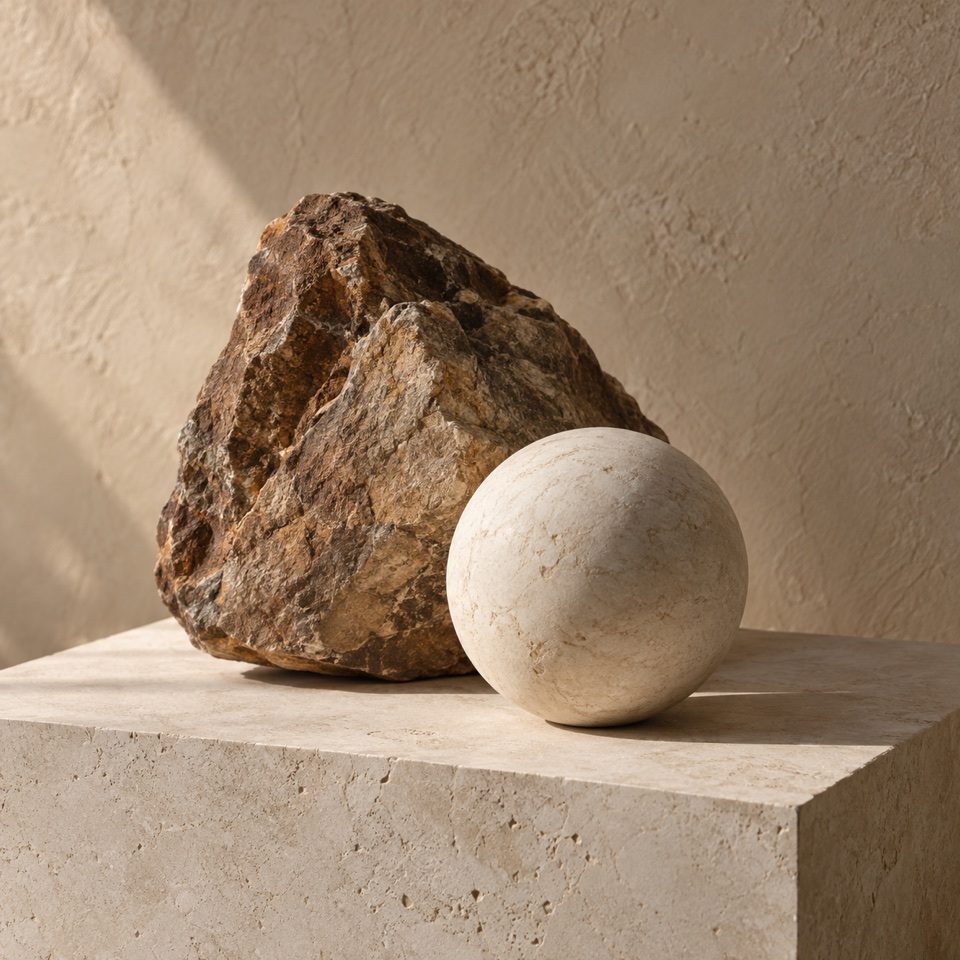
Back up your .library and take your collection with you
Understand Chrome storage, folder libraries and manual .library backups. Keep a complete copy before changing computers or removing the extension.