Firefly audio tools launch broadly: music, speech and effects
Visual production extends into sound in the same creative studio.
The update
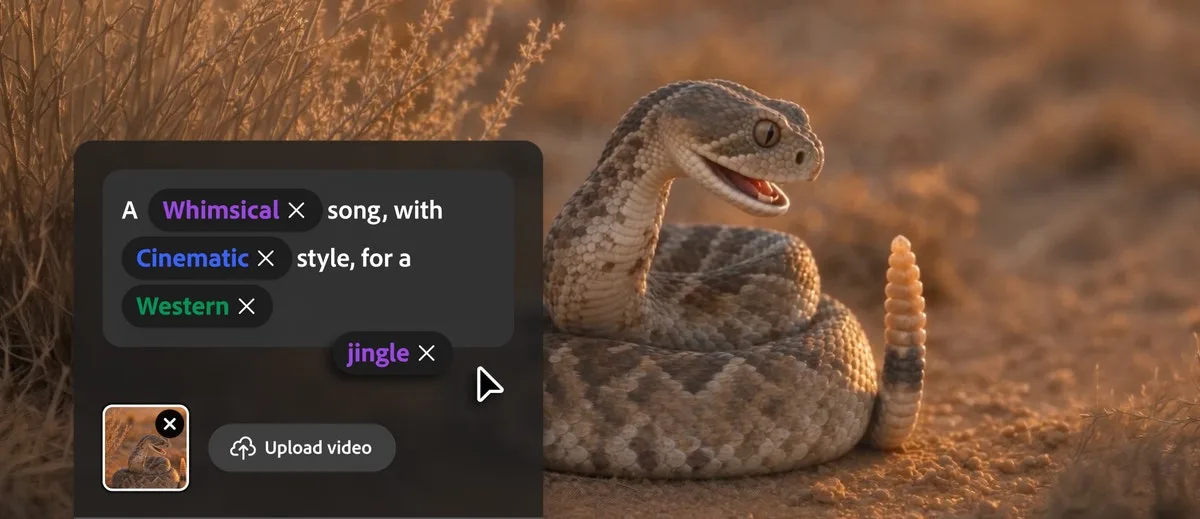
On August 20, Adobe announced broad availability of Firefly’s music, speech and sound-effects generation tools.
In the design workflow
The tools cover soundtrack, voiceover and action sounds, bringing visual and audio planning into one workspace.
srefly perspective
Establish voiceover pacing before choosing cuts and sound cues; the soundtrack can help shape the visual edit.
Need help installing or using SREFLY?Visit the support center →
Original sources
Sources verified: 2026-09-08 · Article date reflects SREFLY’s editorial publication.
- Adobe official source ↗
Adobe · Source published: 2026-08-20
Keep reading

Save the image, then add your Prompt and SREF
Start with an image you like. Keep its source, Prompt and style reference together so you can find them again when you create.

Organize your next project with collections and tags
Collections describe where an image will be used. Tags describe its qualities. Keep your inspiration library easy to find and organize with simple categories.